MFA & TOTP
Enable site-wide email OTP and let users enroll authenticator apps (RFC 6238 TOTP) as a second factor.
eetr-auth supports two multi-factor methods, and a user may have either or both. This guide covers
enabling and operating them.
The two methods
Email OTP — site-wide
An admin toggle. When on, every user with an email address receives a server-generated 6-digit code by email at sign-in. Requires email delivery (Resend) to be configured.
Authenticator app / TOTP — per-user
A user opts in by enrolling an RFC 6238 authenticator (Google Authenticator, 1Password, etc.) from account settings. No server email needed to challenge it.
Enabling site-wide email OTP
- Sign in to the admin dashboard.
- Ensure email delivery is configured — a
RESEND_API_KEYsecret and a site URL, so codes can be sent and links resolve. - Turn on the site-wide MFA toggle (
site_settings.mfa_enabled).
Once on, users with an email are challenged with a 6-digit code. The challenge is a short-lived,
DB-backed token and is attempt-capped by MFA_OTP_MAX_ATTEMPTS (default 5); codes expire in 10
minutes.
Email OTP needs working email
If email delivery isn't configured, site-wide email OTP can't send codes. Configure Resend and the site URL first (see Configuration).
Per-user authenticator (TOTP) enrollment
A user enrolls from account settings:
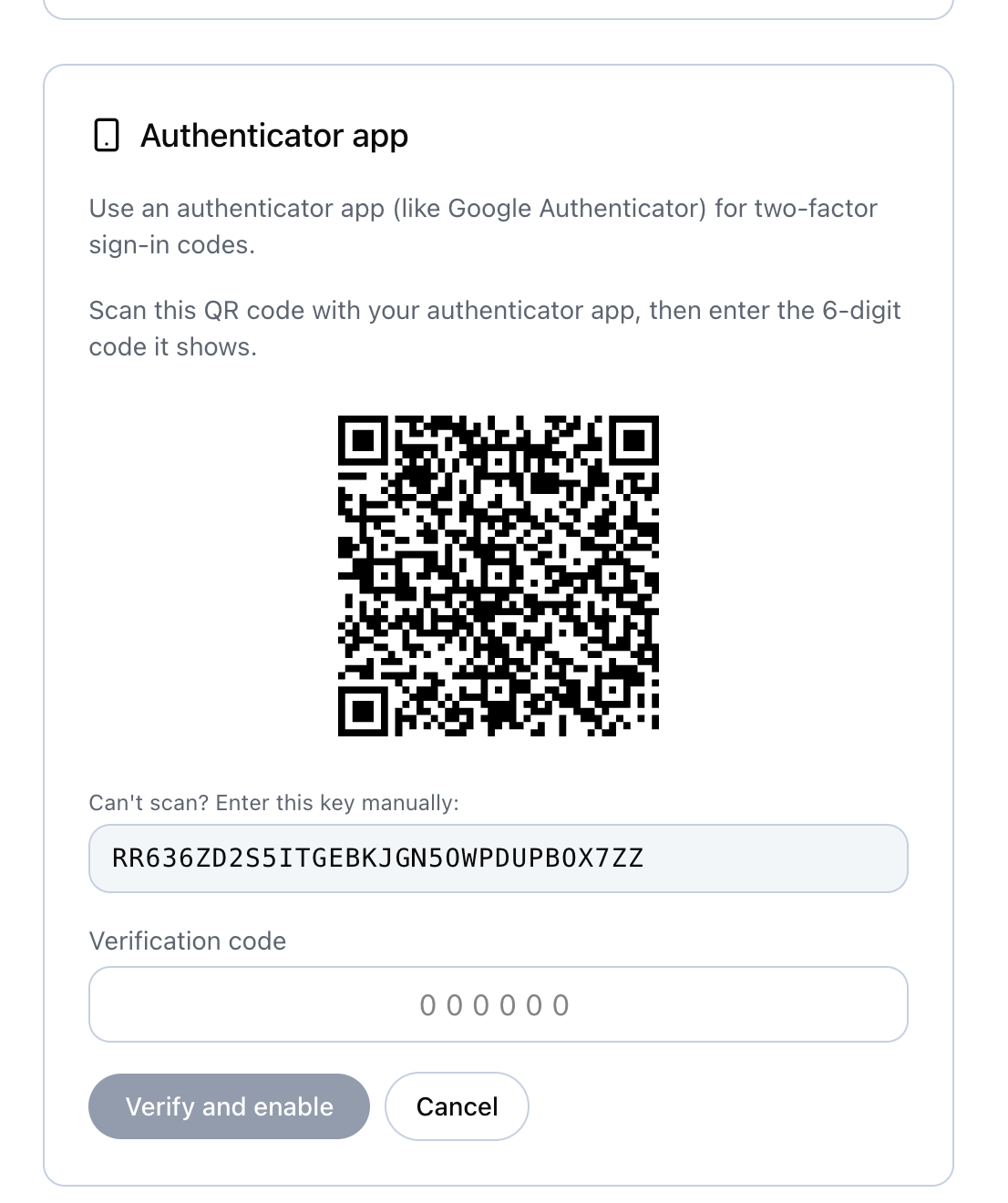
- Choose to add an authenticator app. The server generates a base32 secret and shows a QR code / secret.
- The user scans it into their authenticator (the issuer label shown is your site title).
- The user confirms with a current 6-digit code to complete enrollment.
Secret storage
The TOTP secret is stored encrypted at rest (AES-GCM, key derived from AUTH_SECRET) in the
user_totp table. Enrolling an authenticator turns on MFA for that user even when the site-wide
email toggle is off.
How a sign-in chooses a method
At sign-in the server computes the methods available to the user:
- With one method it is used directly.
- With both (site email MFA on and an authenticator enrolled) the user picks at a chooser and can switch to an email code as a fallback. The email code is only sent once email is actually chosen.
Ordering with password policies
The password max-age gate runs before MFA. If a user's password is expired by policy, sign-in is halted and a reset is forced before any MFA challenge — see password policies.
Operational tips
- Attempt cap: tune
MFA_OTP_MAX_ATTEMPTSfor email OTP. Lower is safer; too low frustrates users on flaky email. - Brute-force defense: add WAF rate limits on the OTP verify endpoints — see the WAF guide.
- Rotating
AUTH_SECRET: because TOTP secrets are encrypted with a key derived fromAUTH_SECRET, rotating it affects the ability to decrypt existing TOTP secrets. TreatAUTH_SECRETrotation as a deliberate operation — see Secrets & key rotation.
Cloudflare WAF & rate limiting
Put the token, sign-in, and registration endpoints behind Cloudflare's WAF and rate-limiting rules as defense-in-depth for the auth server.
Integrate a SPA (public client)
Connect a browser single-page app using a public, PKCE-only client and the TypeScript client library.